Vector vs Raster: Choose the Right Graphic Format
Discover the key differences between vector and raster graphics in game development. Learn when to use each format, their advantages, disadvantages, and how they impact game performance and visual quality.
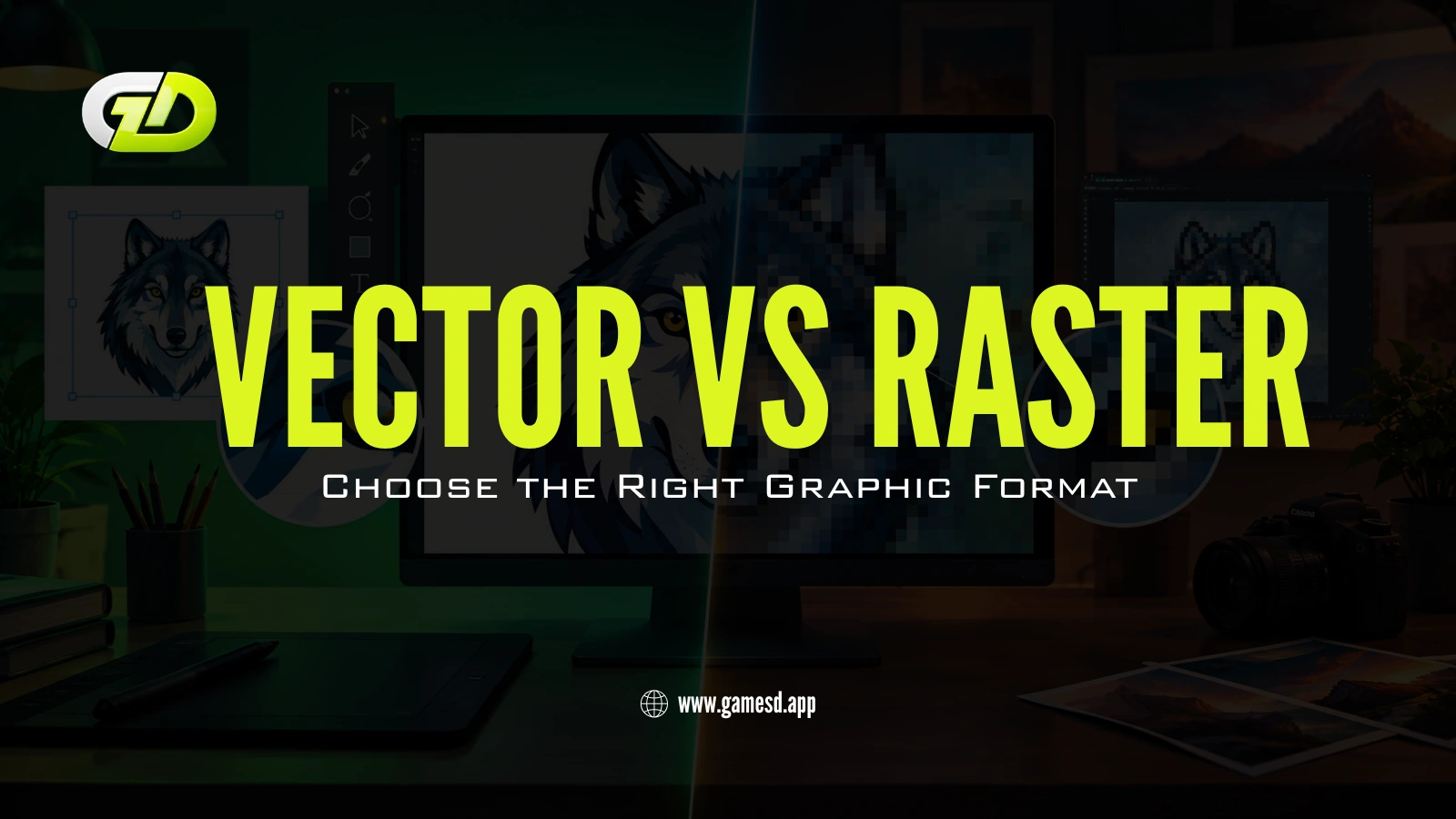
In the realm of game development, selecting the right graphic format can significantly impact both the aesthetic appeal and performance of your game. Whether you are working with a modern Game Development Company or building an indie project, understanding graphic formats plays a major role in creating visually stunning and efficient games. Two primary types dominate this landscape: vector graphics and raster graphics. Understanding the differences between these formats is crucial for developers aiming to create visually stunning and efficient games. This article delves deep into the nuances of vector and raster graphics, exploring their advantages, disadvantages, and best use cases in game design.
Understanding Vector Graphics
Vector graphics are created using mathematical formulas that define shapes, lines, and colors. Unlike raster graphics, which are made up of pixels, vector graphics maintain their quality regardless of scaling. This makes them ideal for designs that require flexibility and precision.
Advantages of Vector Graphics
- Scalability: Vector images can be resized without losing quality, making them perfect for various screen sizes.
- Smaller File Sizes: Because they are based on mathematical equations, vector files tend to be smaller than raster files, which can improve load times.
- Editability: Vector graphics are easier to edit, allowing designers to manipulate shapes and colors without degrading the image.
Disadvantages of Vector Graphics
- Complexity Limitations: Highly detailed images may not be achievable with vector graphics.
- Rendering Time: For complex designs, rendering can take longer compared to raster graphics.
Understanding Raster Graphics
Raster graphics, on the other hand, are composed of a grid of individual pixels. Each pixel has a specific color value, and when combined, they form an image. This format is commonly used for photographs and detailed artwork.
Advantages of Raster Graphics
Detail and Depth: Raster graphics can represent intricate details and textures, making them suitable for realistic images.
Widespread Compatibility: Most software and platforms support raster formats, making them easy to use.
Disadvantages of Raster Graphics
Scalability Issues: Enlarging a raster image can lead to pixelation, resulting in a loss of quality.
Larger File Sizes: High-resolution raster images can consume significant storage space.
When to Use Vector Graphics
Vector graphics are particularly advantageous in scenarios where scalability and flexibility are paramount. Here are some instances where vector graphics shine:
Logos and Branding: Logos often need to be resized for different applications, making vector formats ideal.
Icons and UI Elements: Clean, scalable icons enhance user interfaces without compromising quality.
Illustrations: For illustrations that require precise lines and shapes, vector graphics are the go-to choice.
Many studios, including a leading Blockchain Game Development Company, prefer vector assets for scalable UI components and Web3 gaming interfaces.
When to Use Raster Graphics
Raster graphics excel in situations where detail and realism are required. Consider using raster graphics in the following scenarios:
Photographs: Any image that captures real-life scenes will benefit from raster formats.
Complex Textures: Textures in 3D models often require raster images for realism.
Game Backgrounds: Detailed backgrounds can enhance the immersive experience in games.
Vector vs Raster for Game Design
In game design, the choice between vector and raster graphics can greatly affect the game's performance and visual appeal. Vector graphics are often used for 2D games where scalability is essential, while raster graphics are favored for 3D environments and detailed textures.
Graphic Format Impact on Game Performance
The graphic format you choose can influence the overall performance of your game. Vector graphics typically require less memory, which can lead to faster loading times. However, if your game relies heavily on detailed textures, raster graphics may be necessary despite their larger file sizes.
Best Practices for Game Graphics
To ensure optimal results in your game graphics, consider the following best practices:
Choose the Right Format: Assess the requirements of your game to determine whether vector or raster graphics are more suitable.
Optimize File Sizes: Compress images without sacrificing quality to improve load times.
Test Across Devices: Ensure your graphics look good on various screen sizes and resolutions.
Graphic Formats Comparison
When comparing vector and raster graphics, it's essential to weigh the pros and cons based on your project needs. While vector graphics offer scalability and editability, raster graphics provide detail and depth. Your choice should align with the specific requirements of your game.
Vector Graphics Software for Games
Several software options are available for creating vector graphics in game development:
Adobe Illustrator: A leading tool for creating vector graphics, ideal for logos and illustrations.
Inkscape: A free, open-source alternative that offers robust vector design capabilities.
CorelDRAW: Known for its user-friendly interface, this software is popular among graphic designers.
Studios specializing in Casino Game Development Company often combine both formats to create visually engaging slot games, poker interfaces, and immersive casino environments.
Raster Graphics Software for Games
For raster graphics, consider using:
Adobe Photoshop: The industry standard for raster graphics, perfect for photo editing and detailed artwork.
GIMP: A powerful free alternative to Photoshop, suitable for creating and editing raster images.
Paint.NET: A user-friendly option for beginners working with raster graphics.
How to Convert Raster to Vector
Converting raster images to vector format can be beneficial for scalability. Here are some steps to achieve this:
- Use software like Adobe Illustrator or Inkscape.
- Import the raster image into the software.
- Utilize the tracing tool to convert the image into vector format.
- Adjust the settings to refine the vector image as needed.
Graphic Design Trends in Gaming
The gaming industry is constantly evolving, and so are graphic design trends. Currently, there is a growing interest in combining vector and raster graphics to achieve unique visual styles. This hybrid approach allows developers to leverage the strengths of both formats, resulting in innovative and engaging game designs.
Conclusion
Choosing between vector and raster graphics is a pivotal decision in game development. By understanding the strengths and weaknesses of each format, developers can make informed choices that enhance both game performance and visual appeal. Whether it’s scalable UI assets, realistic textures, or immersive gaming environments, selecting the right graphic format is essential for creating successful gaming experiences.
At Gamesdapp, we help businesses and startups build engaging gaming experiences with advanced design strategies and innovative development solutions. As a trusted Game Development Company, we specialize in scalable gaming solutions, immersive visuals, and next-generation experiences for Web3, mobile, and casino gaming platforms.
Let's Connect With Us


You’re just one step away from transforming your dream game into a blockchain-powered reality. Get A Live Demo Today






